Type a paragraph. Get a cinema-quality video with synchronized audio, multiple camera angles, and coherent storytelling. That's what Seedance 2.0's text-to-video mode delivers—and it's a generational leap from what was possible even months ago. Below are the settings, prompt structures, and techniques we've found actually produce usable results on the first try.
Text-to-Video Examples
Every video below was generated from a text prompt only — no reference images, no uploaded files. Just words in, video out.
What Changed from 1.0 to 2.0
If you used Seedance 1.0's text-to-video, forget most of what you learned. The upgrade is that significant.
| Capability | Seedance 1.0 | Seedance 2.0 |
|---|---|---|
| Max Resolution | 1080p | 2K |
| Max Duration | 10 seconds | 15 seconds |
| Audio | None (silent) | Native audio: dialogue, SFX, music, ambient |
| Multi-Shot | Basic scene cues | Full multi-shot with "lens switch" cuts |
| Dialogue | Not supported | Lip-synced speech in 8+ languages |
| Physics | Basic | Realistic gravity, momentum, fluid dynamics |
| Success Rate | ~20% usable | 90%+ usable on first attempt |
| Aspect Ratios | 16:9, 9:16, 1:1 | 16:9, 4:3, 1:1, 3:4, 9:16 |
The biggest practical difference: you can now write complex, multi-scene prompts with dialogue and Seedance will generate a coherent mini-film with synchronized audio—no post-production required.
How to Access Text-to-Video
Text-to-video in Seedance 2.0 is accessed through Dreamina or Little Skylark. Here's the key detail many users miss:
- Open Dreamina → Video Generation → select Seedance 2.0
- Choose the "First Frame / Last Frame" mode
- Leave the image upload fields empty—just type your prompt
- Select aspect ratio, duration (up to 15s), and generate
Important: Text-to-video is not available in "All-Round Reference" mode. That mode requires at least one uploaded file. For pure text prompts, you must use the First Frame / Last Frame mode with no images attached.
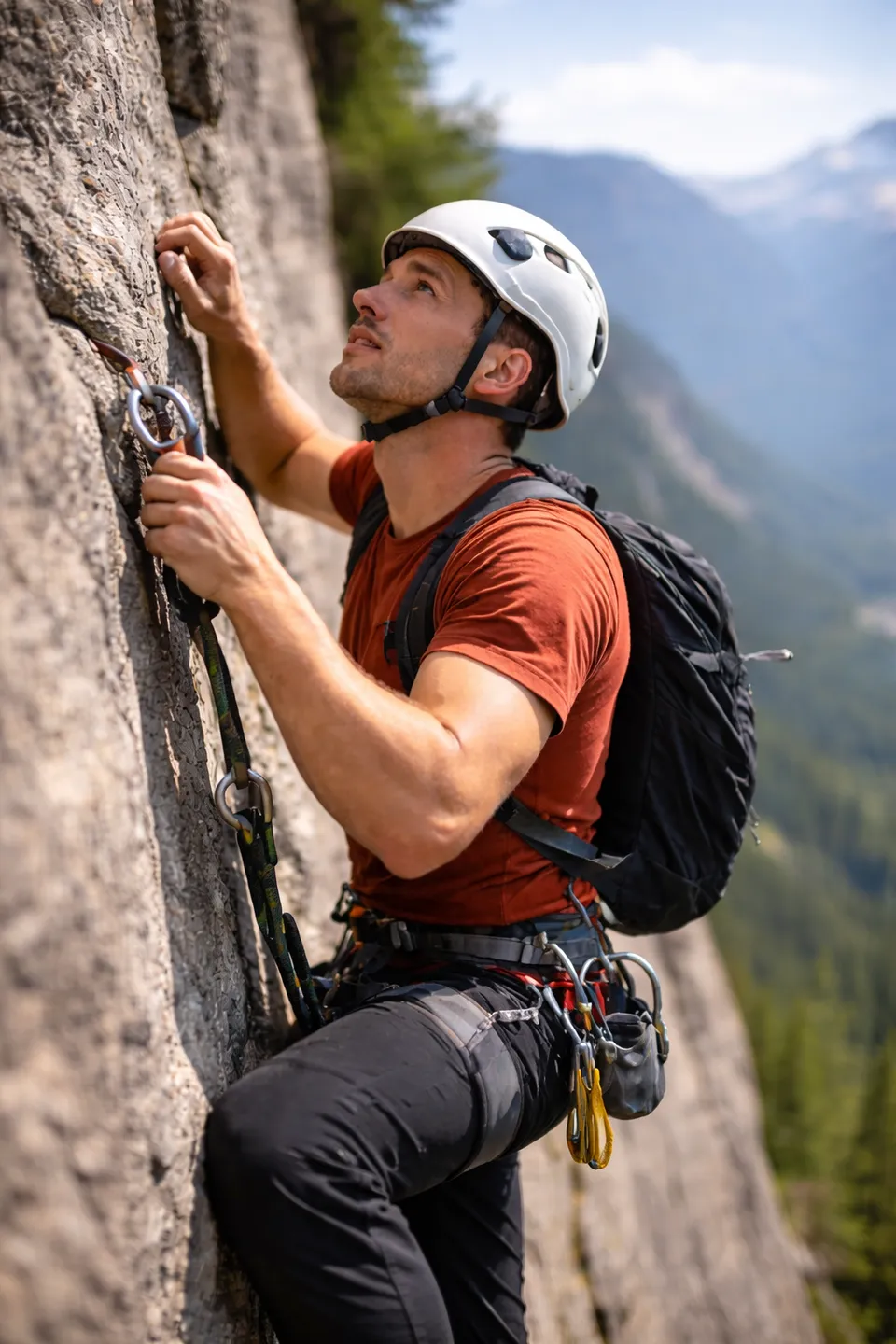
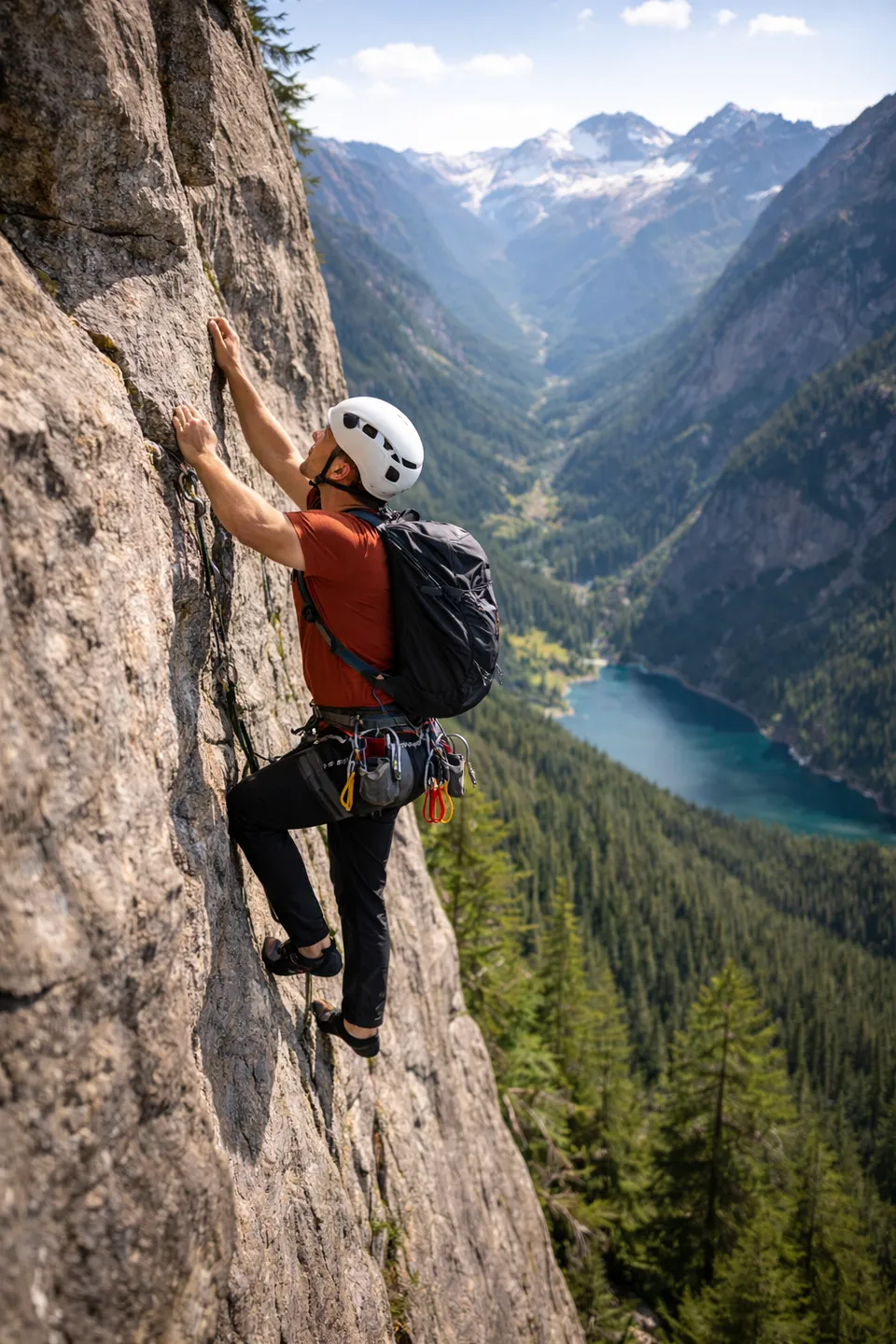
You can also optionally provide a first frame and/or last frame image to guide the generation. In our testing with a rock climber scene, using both start and end frames gave us good control over the composition but caused an abrupt background change mid-clip. Using only the first frame produced a more natural result with consistent backgrounds, though with less camera movement. The tradeoff is worth experimenting with depending on your needs.
Prompt Structure for Text-to-Video
Seedance 2.0 responds best to prompts built on three core elements: subject + action + scene. Add camera, style, and constraints as needed.
The Basic Formula
[Subject with visual details] + [Action in present tense] + [Scene/environment] + [Camera direction] + [Style/lighting]
Example — Simple Scene
A woman in a red leather jacket walks through a neon-lit alley at night. Rain puddles reflect the signs above. Medium tracking shot, handheld feel, cyberpunk atmosphere, volumetric fog.
Example — Multi-Shot with Dialogue
A dimly lit room, boarded up windows. Close-up of a couple huddled in a corner. The girl whispers, voice trembling: "They're right outside." The guy grips her hand, subtle fear in eyes: "We just have to stay quiet. Don't move." A zombie breaks through a weak board and they scream. The guy yells, grabbing a chair: "Get back! Get the hell back!"
In testing, Seedance 2.0 follows multi-step narratives like this with high accuracy—maintaining character consistency, generating appropriate dialogue audio, and handling the emotional shifts between quiet tension and sudden action.
Example — Commercial / Product
Commercial for Bad Breath Spray. It smells like hard-boiled eggs and despair. Use it to maintain social distancing and personal space. The ad features a businessman spraying it on the bus so everyone immediately moves away. The perfect product for introverts.
Seedance can generate complete ads with product placement, on-screen text, and scene transitions from descriptions like this. The model understands commercial formats and automatically applies appropriate pacing.
Key Settings and Parameters
| Setting | Options | Recommendation |
|---|---|---|
| Duration | 4–15 seconds | 10-15s for multi-shot, 5-8s for single scenes |
| Aspect Ratio | 16:9, 4:3, 1:1, 3:4, 9:16 | 16:9 for YouTube, 9:16 for TikTok/Reels |
| Camera | Fixed / Unfixed | Select "unfixed" for any camera movement prompts |
| Frame Rate | 24 fps | Standard cinematic frame rate |
What Text-to-Video Does Best
3D Animation / Pixar Style
Seedance 2.0 excels at generating Pixar-quality 3D animations from text. The model understands complex multi-beat narratives—a princess running from a dragon, the dragon breathing fire, the princess crossing a river on debris, looking back at the frustrated dragon—and renders each beat with appropriate camera work and audio.
Commercials and Ads
Describe your product concept and Seedance generates a structured commercial with scene transitions, product shots, and even on-screen text. Works for both fictional concepts and real product descriptions. The model applies commercial formatting (hero shots, benefit callouts, closing frames) automatically.
UGC and Day-in-the-Life
Prompts like "UGC day in the life of a Gen Z girl—morning routine, coffee, getting ready, heading out" produce authentic-looking phone-shot footage with natural pacing and transitions.
Dialogue-Heavy Scenes
You can write out exact dialogue lines and Seedance will generate characters speaking those words with lip-synced audio, appropriate emotions, and natural body language. The model handles whispers, screams, casual conversation, and emotional exchanges.
Multi-Language Content
Seedance generates dialogue in 8+ languages with accurate lip-sync: English, Chinese, Japanese, Korean, Spanish, French, German, and Portuguese. You can specify multiple languages in a single prompt—each character speaks their assigned language.
Prompt Tips for Better Results
- Keep it under 60 words for simple scenes, up to 150 for complex multi-shot sequences
- Use present tense: "walks" not "walked" or "will walk"
- Specify intensity: "roaring madly" instead of "roaring"—the model needs explicit intensity cues
- Describe forces, not just actions: "tires smoke as car drifts 90 degrees" instead of "car turns"
- Use "lens switch" to indicate cuts between scenes within one generation
- Always specify lighting: without it, 2K resolution loses its visual impact
- Include audio cues: keywords like "reverb," "muffled," "metallic clink" guide the native audio engine
For the complete prompt framework with templates, camera vocabulary, and advanced techniques, see the Prompt Guide.
Known Limitations
- Text rendering: On-screen text (product labels, signs) sometimes has noise or garbled letters—this is a known limitation across all AI video models
- Precise whiteboard/diagram content: The model can write formulas on a whiteboard but may get diagrams wrong
- Character voice matching: While the model knows the voices of many famous characters, it can't always generate them on demand
- Processing time: Standard clips take ~60 seconds; 15-second multi-shot sequences can take up to 10 minutes
- No negative prompts: Unlike image generators, Seedance doesn't respond to negative prompts—use exclusion constraints in natural language instead
Text-to-Video vs Image-to-Video
| Factor | Text-to-Video | Image-to-Video |
|---|---|---|
| Creative freedom | Maximum—model decides all visuals | Guided—model follows reference image |
| Character control | Less precise—described in words | Precise—character from reference photo |
| Best for | Commercials, concepts, quick prototypes | Specific character work, brand consistency |
| Consistency | Lower—varies per generation | Higher—anchored to reference image |
For maximum control, consider uploading reference images using the @ reference system instead of pure text-to-video. You get the best of both: creative prompt direction with visual anchoring.
Tips and Common Questions
Does Seedance text-to-video include audio?
Yes. Seedance 2.0 generates audio natively and simultaneously with video—dialogue, sound effects, ambient sounds, and music. This is a major upgrade from 1.0, which was silent.
What's the maximum video length?
15 seconds per generation at up to 2K resolution. For longer content, generate multiple clips and assemble them in an editor like CapCut.
How do I get multi-shot videos from a single prompt?
Describe scenes sequentially in your prompt. Use "lens switch" to indicate cuts. Seedance maintains character consistency and generates appropriate transitions between scenes.
Can I specify exact dialogue?
Yes. Write the dialogue in quotes within your prompt. Seedance generates lip-synced speech matching your text. Specify the language if needed, or write the dialogue in the target language directly.
Why can't I find text-to-video in All-Round Reference mode?
Pure text-to-video requires the "First Frame / Last Frame" mode with no images attached. All-Round Reference mode requires at least one uploaded file.
How much does a text-to-video generation cost?
On Dreamina, a standard 10-second text-to-video costs approximately $1.91–$4.60 depending on resolution and features. Little Skylark offers limited free daily generations. See our Pricing Guide for full details.
Is text-to-video better than image-to-video?
Neither is inherently better—they serve different purposes. Text-to-video gives maximum creative freedom; image-to-video gives more visual control. Many creators use text-to-video for concept exploration, then switch to image-to-video for final production with reference images.
Ready to start prompting? Check the Prompt Guide for templates you can copy-paste, or explore image-to-video if you have reference material to work with. For platform access and costs, see the Pricing Guide.